
FileRequester
A file or folder requester for the command line
- Version
- 1.10.0.61
- System
- Windows, 32-bit (runs on 64-bit too)
- Source
- github.com/pedromagician/CMD_FileRequester
Download FileRequester129 kB
No installation: unzip anywhere (ideally into a folder on your PATH) and run it from the command line or a batch file.
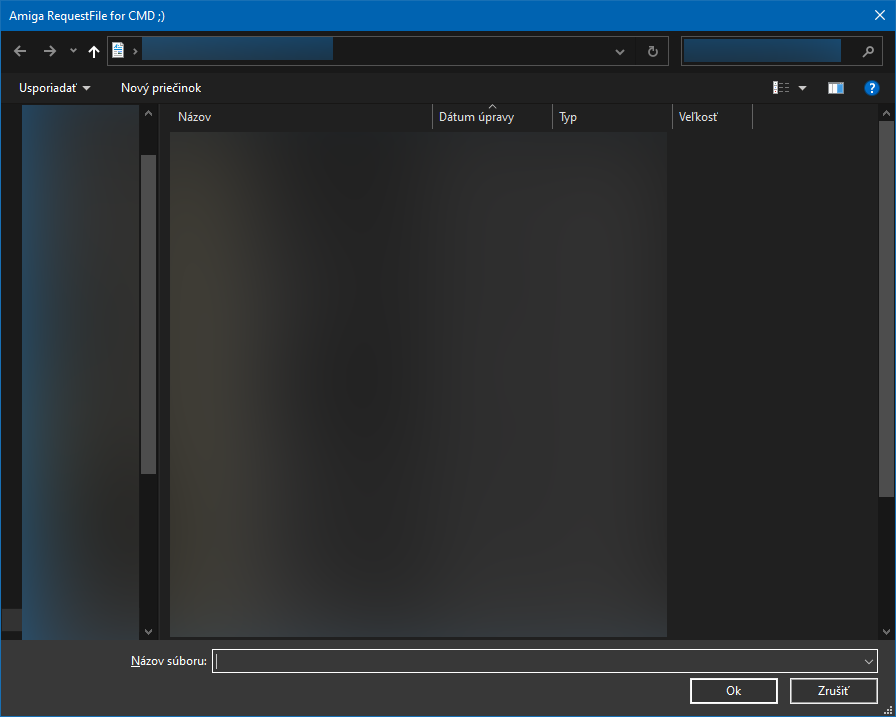
FileRequester opens the standard Windows file or folder dialog from the command line and prints the selected path to the output. Handy in batch files when the user should pick what to work with instead of typing a path. The name and the idea come from the Amiga, of course.
Features
- Three modes: open an existing file (
-open), save under a new name (-save) and pick a folder (-directory). - Custom window title, button text, default file name and initial folder.
- File type filters, e.g.
"Text|*.txt|All files|*.*". - The result goes to standard output, so you can catch it in a variable.
Usage
FileRequester.exe -title "Select a file" -o -path C:\ -ok OK
FileRequester.exe -open -filter "Text|*.txt|All files|*.*"
Store the selected path in a variable:
@set "FILE="
@for /f "usebackq delims=" %%A in (`FileRequester.exe -o`) do @set "FILE=%%A"
@echo Selected: %FILE%
Options
| Switch | Description |
|---|---|
-title, -t | Window title. |
-open, -o | Select an existing file. |
-save, -s | Choose a file name to save, it does not need to exist. |
-directory, -d | Select a folder instead of a file. |
-filename, -f | Pre-filled file name. |
-ok | Custom text of the confirm button. |
-path | Initial folder (e.g. "D:\"). |
-drawersonly, -foldersonly | Folders only, no files (mostly with -open). |
-filter | File type filters as "Description|*.ext", e.g. "Text|*.txt|All files|*.*". |
-help, -h, -? | Help. |